
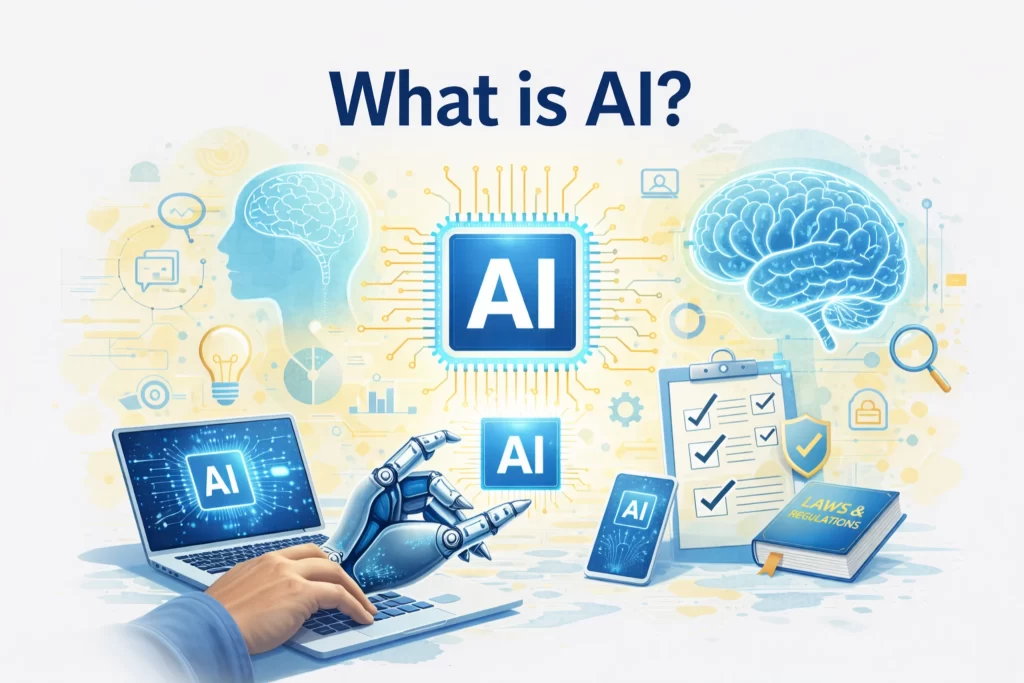
Artificial Intelligence—usually shortened to AI—sounds complicated. Movies make it look scary. Headlines make it sound magical. And social media makes it seem like everyone else already understands it.
Let’s slow everything down.
AI is not a robot.
AI is not conscious.
AI is not secretly “thinking” about taking your job.
AI is simply software designed to recognize patterns and make predictions based on data.
That’s it.
Once you understand that, everything else starts to click.
AI, Explained Without the Tech Jargon
At its core, AI works like this:
- Humans give a computer lots of examples
- The computer looks for patterns
- The computer uses those patterns to predict or generate results
When you ask an AI tool to write text, summarize something, or organize information, it’s not “thinking.” It’s predicting what comes next based on patterns it learned from massive amounts of data.
Think of AI as:
A very advanced autocomplete system that learned from billions of examples.
Learn more about real-world tools in the AI Tools Lab
What AI Is (And What It Is Not)
Let’s clear up some common confusion.
AI is:
- Software that processes information
- Very fast at repetitive tasks
- Good at pattern recognition
- Useful for writing, organizing, and analyzing content
AI is not:
- Conscious or self-aware
- A human brain
- Always correct
- Automatically trustworthy
This is why AI works best with humans, not instead of them.
For common pitfalls, read Common AI mistakes to avoid
Why AI Suddenly Feels “Everywhere”
AI didn’t appear overnight.
It’s been used quietly for years in:
- Search engines
- Recommendation systems
- Spam filters
- Navigation apps
- Voice assistants
What changed is access.
AI tools became easier to use, cheaper, and available to everyday people through simple interfaces.
If you’re wondering about risks, see Is AI safe and legal to use?
What Can AI Actually Help With?
For everyday users, AI is best at:
- Writing and editing text
- Summarizing information
- Brainstorming ideas
- Organizing thoughts
- Speeding up routine work
AI works best when you guide it clearly and review the output.
To get started with real setups, explore Beginner AI tool stacks
What AI Is Bad At (Important)
AI struggles with:
- Real-world judgment
- Context you don’t provide
- Emotional nuance
- Accuracy in edge cases
AI can confidently give wrong answers.
That’s why structure matters.
See how structure improves results in AI workflows explained
AI vs Automation vs Software (Quick Clarity)
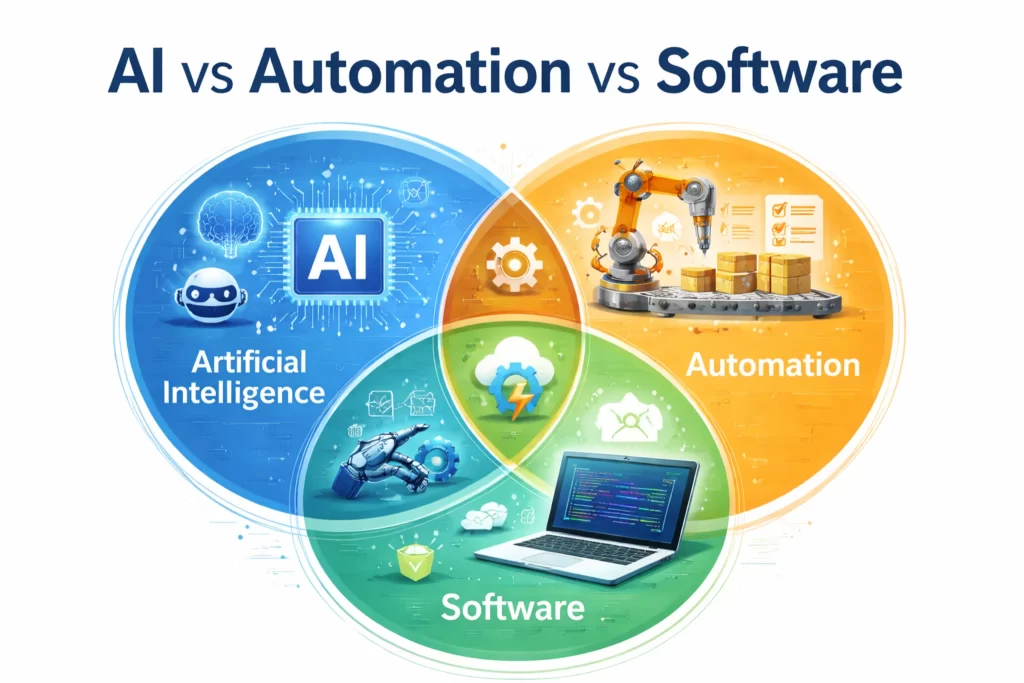
These terms are often mixed together.
- Traditional software follows fixed rules
- Automation repeats defined steps
- AI predicts outcomes based on patterns
Modern tools often combine all three.
To see how this works in practice, read How AI tools work together
Why Understanding AI First Matters
Before jumping into:
- AI workflows
- Tool stacks
- Side-hustle systems
You need a foundation.
Understanding AI helps you:
- Avoid scams
- Choose better tools
- Use AI responsibly
- Get consistent results
Reinforce the basics with Common AI mistakes to avoid
AI rewards clear thinking. The better the input, the better the output.
What Comes Next
Now that AI feels clear instead of intimidating, the next step is learning how tools connect into systems.
👉 Continue with How AI tools work together
FAQ: Common Questions About AI and How It Works
Artificial Intelligence (AI) is a type of software that mimics human problem-solving by recognizing patterns in massive amounts of data. Instead of following a fixed set of rules like traditional software, it uses those patterns to make predictions or generate new content, such as text or images.
No. Despite how it often looks in movies, AI is not conscious and does not have feelings or opinions. It is a mathematical engine. When it provides an answer, it is simply predicting the most likely next word or pixel based on billions of examples it has seen during its training.
Traditional automation follows a strict “if this, then that” rulebook; it cannot handle anything it wasn’t specifically programmed for. AI is adaptive. It can handle complex, messy tasks where the rules aren’t clearly defined—like summarizing a long article or creating a logo from a text description. You can see this in action in our AI workflows guide.
Not anymore. Most modern AI tools are built for non-technical users. If you can write a clear instruction (known as a “prompt”) and review the results, you have the skills needed to use the tools in our Beginner AI tool stacks.
You likely use AI every day without realizing it. It powers search engine results, Netflix recommendations, spam filters in your email, and GPS navigation. For creators and side hustlers, it is commonly used for writing, brainstorming, and organizing complex information.
No. AI can sometimes “hallucinate,” which means it provides a wrong answer with a high level of confidence. This is why it is critical to always fact-check AI output and use it as a “co-pilot” rather than a total replacement for human judgment. We cover this more in Common AI mistakes to Avoid.
Yes, as long as you follow basic safety protocols. You should never share sensitive personal data or proprietary business secrets with public AI models. For a full breakdown of the legal and privacy aspects, see our guide on Is AI safe and legal to use?
The Language of Intelligence: Core AI Definitions
| Term | Lab Concept |
|---|---|
| Pattern Recognition | The core of AI. It’s the ability to look at millions of photos or sentences and “learn” what a cat looks like or how a human speaks. |
| Neural Network | A type of computer system inspired by the human brain. It uses layers of data to “think” through complex problems and find answers. |
| Training Data | The “textbooks” AI reads to learn. The quality of the AI depends entirely on how good and honest its training data was. |
| Algorithm | A set of mathematical instructions. Think of it as a recipe that tells the computer exactly how to turn data into a result. |
| Predictive Text | What most writing AIs actually do. They don’t “know” facts; they just predict which word is most likely to come next in a sentence. |
| Machine Learning | A subset of AI where the software gets better at a task over time by practicing, without a human having to rewrite the code. |
| Interface | The “window” you use to talk to the AI (like a chat box). A good interface makes complex AI easy for anyone to use. |
| Black Box | A term used when AI developers aren’t exactly sure how the AI reached a specific answer because the math is so complex. |
 Alex Carter