


Introduction to Make
Make is a visual automation platform that connects apps and builds advanced workflows without traditional coding.
Instead of focusing on content creation, Make is built for process control. It allows you to design multi-step automations using a visual builder, route data between tools, apply filters, and handle complex logic.
For side hustlers, Make is useful when simple automations are no longer enough. It works well for managing leads, syncing data across platforms, automating publishing workflows, and building backend systems that run in the background.
This guide explains how Make fits into automation workflows, where it performs best, and how it compares to other no-code automation tools.
How To Get Make
What Make Actually Does
Make is a visual automation platform that:
- Connects apps together
- Builds multi-step workflows
- Routes data through filters and logic
- Handles conditional paths
- Processes structured data
- Supports more complex automations than simple trigger tools
Instead of “If this, then that,” Make allows:
If this → check condition → transform data → route to multiple apps → log results → notify team.
That deeper control is what makes it powerful.
How People Actually Use Make to Build Online Income
Make doesn’t pay you directly.
The income comes from the systems you build and automate behind the scenes.
Make helps people automate:
- Multi-step content workflows
- Lead routing and tagging
- Customer onboarding sequences
- Data processing
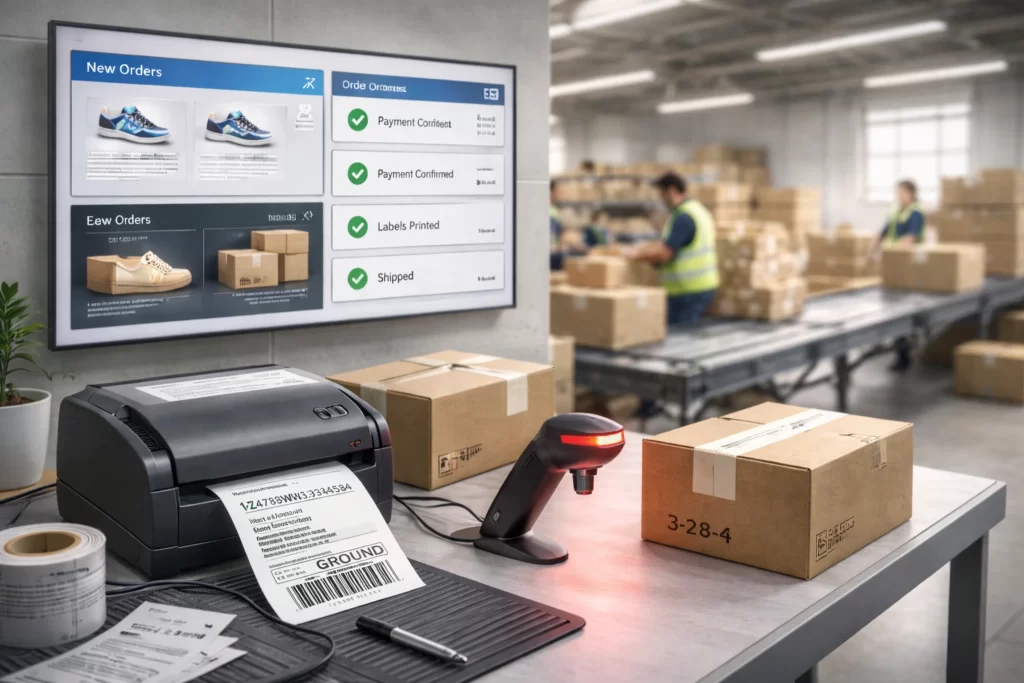
- Ecommerce order handling
- CRM updates
- Cross-platform publishing
The more your systems run automatically → the more you can focus on growth.
Automation creates operational leverage.
Why Make Works for Side Hustles
Many online earners eventually outgrow simple automation.
They:
- Need conditional logic
- Want multi-branch workflows
- Manage larger data sets
- Require backend organization
Make reduces those limits.
1️⃣ It Handles Complex Logic
You can create structured workflows that respond differently based on data.
2️⃣ It Supports Advanced Scaling
As leads, customers, or content volume increases, workflows can adapt.
3️⃣ It Reduces Backend Overload
Instead of manually managing spreadsheets and notifications, the system runs automatically.
How Make Fits Inside a Real AI Workflow
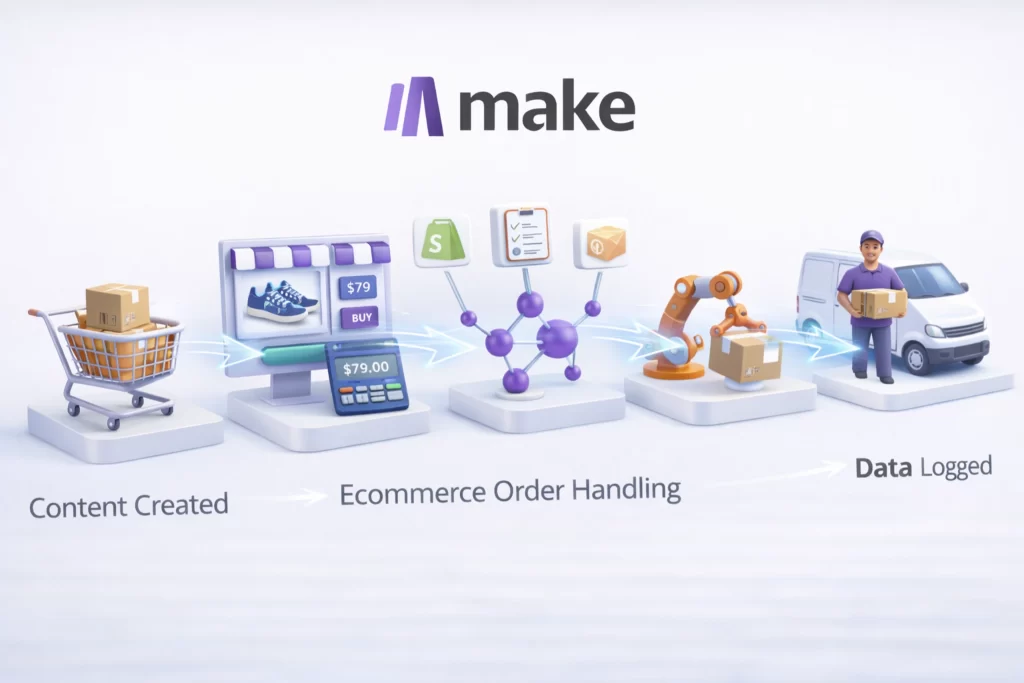
Make usually sits in the backend of a system.
A common structure might look like:
Content Created → Published → Make Distributes → Leads Captured → Data Routed → Emails Triggered → Metrics Logged
Or:
Purchase → Data Verified → Product Delivered → CRM Updated → Follow-Up Scheduled
Make handles structured automation.
Other tools handle creation, publishing, and engagement.
Used occasionally, it simplifies operations.
Used strategically, it builds scalable backend systems that support long-term online income.
Essential Make Terminology
| Term | What It Means |
|---|---|
| Scenario | An automated workflow that connects apps and runs actions in a defined sequence. |
| Module | A building block inside a scenario that performs a specific action or trigger. |
| Operation | A single action executed within a scenario. Plans limit how many operations you can run monthly. |
| Router | A branching tool that splits a scenario into multiple paths based on conditions. |
| Filter | A condition that determines whether data continues through a specific path. |
| Scheduling | Controls how often a scenario runs (instantly, hourly, daily, etc.). |
| Webhook | A feature that allows external apps to send data into a scenario in real time. |
Frequently Asked Questions About Make for Side Hustles
Make is commonly used to connect apps like email platforms, CRMs, spreadsheets, and publishing tools. For example, you can automate content distribution or customer follow-ups. Structured automation strategies are outlined in our AI Workflows Guide.
Make offers more advanced logic features like routers and branching scenarios, which allow conditional automation. Zapier may feel simpler for beginners, while Make offers more customization. We compare positioning inside the AI Tools Lab to help you choose the right tool.
Yes, but it’s best to understand your manual process first. Make works most effectively when your workflow is already clear. Beginners often start with a simpler system from our Beginner AI Stack before moving into advanced automation.
Yes. Make can automate content distribution, database updates, lead collection, and publishing sequences. Many creators use it to support structured systems, where consistency and timing matter.
Make can help automate email sequences, lead routing, and tracking systems. However, strategy and compliance remain essential. It’s most useful as a backend efficiency tool rather than a traffic source.
Make is best used for building conditional, scalable systems. If your goal is to reduce manual work and build repeatable digital processes, it serves as a logic engine inside a complete AI-powered workflow.
Lab Note: Logic Creates Leverage
Quick Tip: Make isn’t just automation — it’s conditional automation.
Use routers, filters, and branching paths to build smart systems that react differently based on data. That’s where real efficiency happens.
In the Lab, we treat Make as a systems architecture engine. Design the logic carefully, and your workflow runs itself.
 Alex Carter