

How To Get Zapier
Introduction
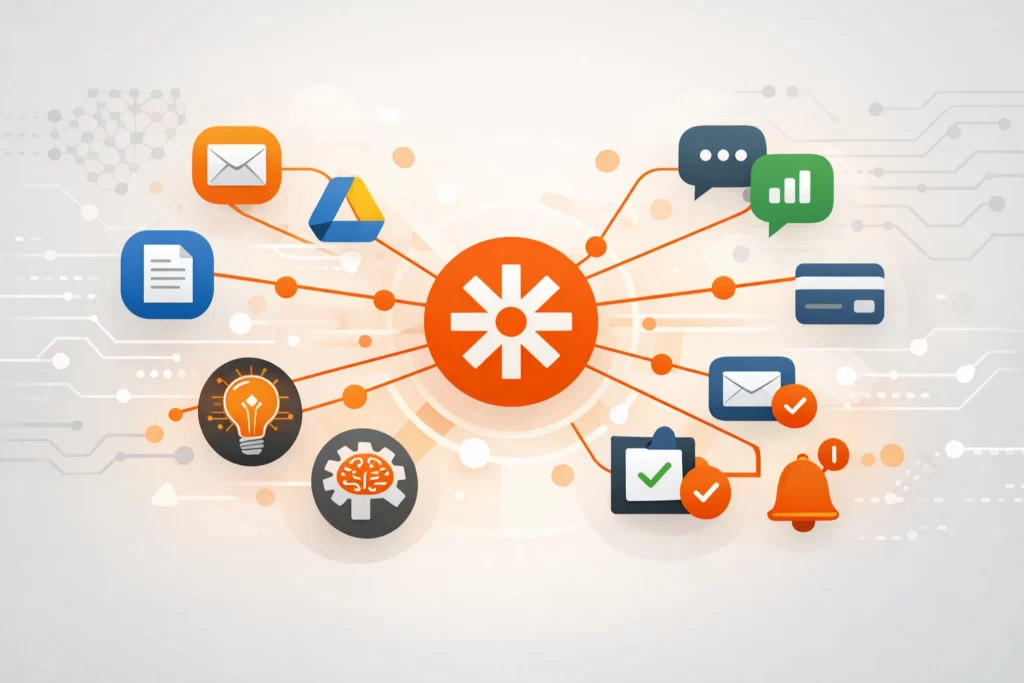
Zapier is an automation platform that connects apps and moves information between them automatically.
Instead of creating content or editing media, Zapier focuses on workflows. It allows you to trigger actions across tools — for example, saving form responses to a spreadsheet, sending email alerts, or posting content automatically when something new is published.
For side hustlers, Zapier is useful when repetitive tasks start slowing things down. It helps connect writing tools, email platforms, CRMs, spreadsheets, and content systems without needing to code.
This guide explains how Zapier fits into automation workflows, where it works best, and how it compares to other no-code automation tools.
How People Actually Use Zapier to Build Online Income
Zapier doesn’t pay you directly.
The income comes from the time it saves and the systems it automates.
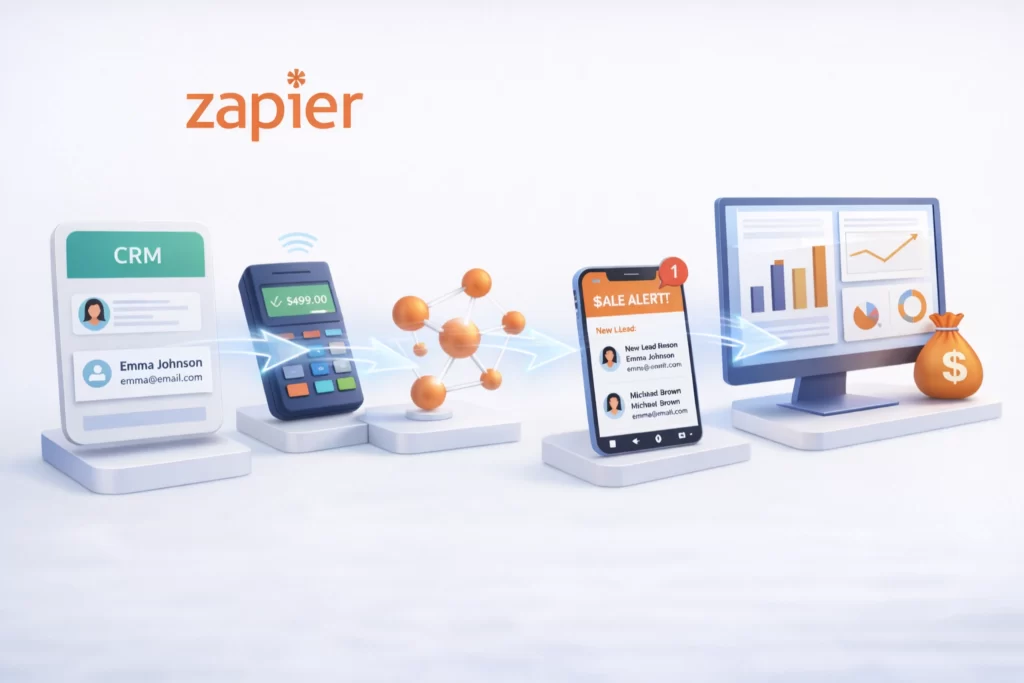
Zapier helps people automate:
- Email list growth
- Lead notifications
- Content publishing
- Customer onboarding
- Form submissions
- Data syncing between apps
- Sales alerts
The fewer manual tasks you handle → the more time you have to create and grow.
Time saved becomes production capacity.
What Zapier Actually Does
Zapier is an automation platform that:
- Connects apps together
- Triggers actions based on events
- Moves data between tools
- Sends notifications automatically
- Creates simple multi-step workflows
For example:
- When someone fills out a form → send it to Google Sheets
- When a blog post is published → share it on social media
- When a customer purchases → send a confirmation email
Instead of manually repeating tasks, users build automated sequences.
That removal of repetitive work is what makes Zapier powerful.
Why Zapier Works for Side Hustles
Many creators hit a ceiling not because of content — but because of operations.
They:
- Manually move data between tools
- Forget follow-ups
- Lose leads
- Waste time on small admin tasks
Zapier reduces that friction.
1️⃣ It Eliminates Repetitive Tasks
Tasks that happen daily or weekly can run automatically.
2️⃣ It Reduces Human Error
Automated workflows reduce missed steps.
3️⃣ It Supports Scalable Systems
As your audience grows, automation keeps operations stable.
How Zapier Fits Inside a Real AI Workflow
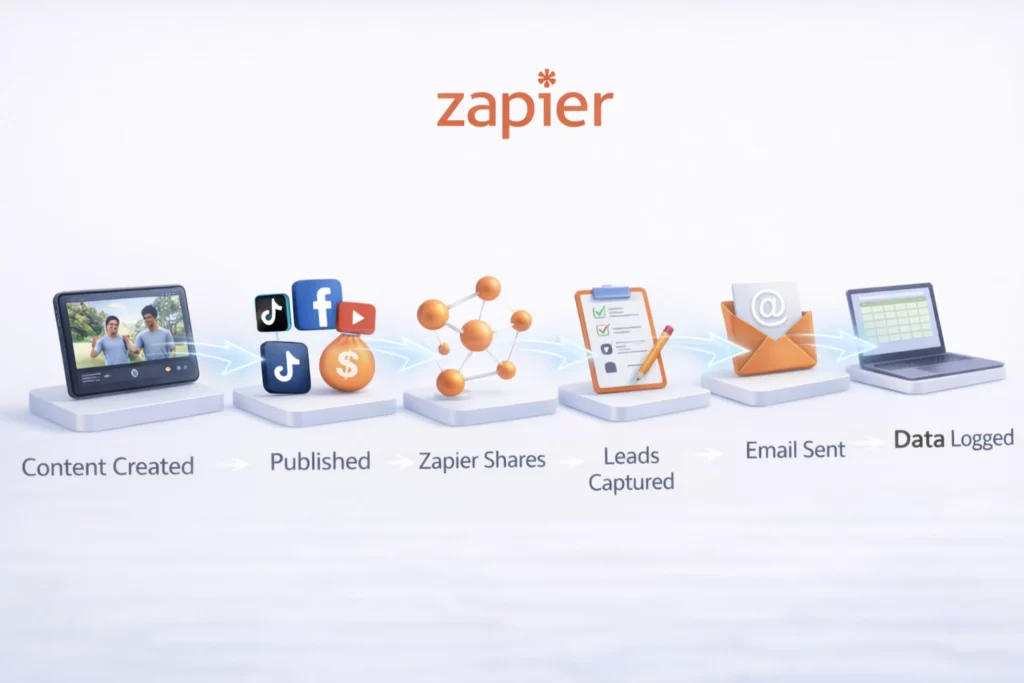
Zapier usually sits behind the scenes.
A typical workflow might look like:
Content Created → Published → Zapier Shares → Leads Captured → Email Sent → Data Logged
Or:
Form Submitted → CRM Updated → Notification Sent → Follow-Up Triggered
Zapier handles automation.
Other tools handle writing, visuals, and publishing.
Used occasionally, it saves time.
Used strategically, it builds systems that scale beyond manual effort.
Essential Zapier Terminology
| Term | What It Means |
|---|---|
| Zap | An automated workflow that connects two or more apps together. |
| Trigger | The event that starts a Zap (for example, a new email or form submission). |
| Action | The task that happens automatically after the trigger (such as sending a message or creating a file). |
| Multi-Step Zap | A workflow with multiple actions that run in sequence after a single trigger. |
| Task | A single action completed by Zapier within a workflow. Plans limit how many tasks you can run per month. |
| Filter | A rule that controls whether a Zap continues based on specific conditions. |
| Webhooks | Advanced feature that allows custom data to be sent between apps for more flexible automation. |
Lab Note: Automate After You Understand
Quick Tip: Don’t automate chaos.
Zapier works best when you’ve already done the task manually a few times. Map the process. Identify the trigger. Then automate the repeatable part.
In the Lab, we treat Zapier as a time-multiplier engine. Clean workflow first. Automation second. Scale third.
 Alex Carter
Frequently Asked Questions About Zapier for Online Businesses and Side Hustles
Zapier is a workflow automation platform that connects over 6,000 business apps. It allows you to trigger actions automatically between tools like email marketing software, CRM systems, form builders, and publishing platforms. Many creators implement it inside structured systems outlined in our AI Workflows guide to reduce manual work and increase operational efficiency.
For many small businesses and solo creators, Zapier can significantly reduce repetitive tasks like lead routing, email tagging, spreadsheet updates, and social posting. Instead of hiring additional help early on, many founders use automation tools featured in our AI Tools Lab to scale operations more efficiently.
Zapier is known for its simplicity and large integration ecosystem. Other automation tools may offer more advanced logic, but Zapier remains one of the most widely adopted SaaS automation platforms for small businesses. Beginners often start with frameworks inside our Beginner AI Stack before moving into complex systems.
Zapier can automate repetitive digital tasks like copying data between apps, sending notifications, and triggering workflows. However, strategic decision-making still requires human oversight. It works best as a productivity multiplier rather than a replacement for business planning.
Zapier is best used for linear, repeatable automation — especially email workflows, CRM updates, lead routing, and content distribution triggers. If your goal is building scalable digital systems, it functions as a core automation layer inside a structured AI workflow.