
Which Editing AI Tool Should You Use?
Editing AI tools don’t all fix the same problems.
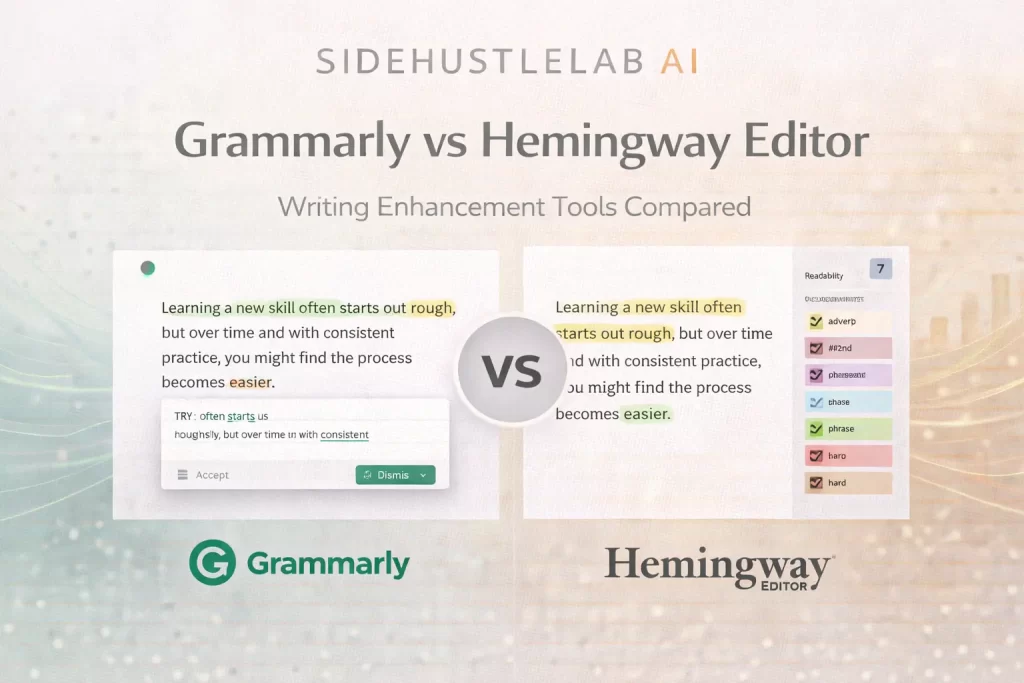
Grammarly and Hemingway Editor are often mentioned together, but they focus on very different aspects of writing. One helps make writing correct and polished, while the other helps make it simple and easy to read.
This guide explains how Grammarly and Hemingway compare, what each tool does best, and how to decide which one fits your editing needs.
No hype. Just clarity.
Quick Overview
- Grammarly → Grammar, tone, and overall polish
- Hemingway Editor → Simplicity, readability, and clarity
These tools are often used together, not as replacements.
Side-by-Side Comparison
| Feature | Grammarly | Hemingway Editor |
|---|---|---|
| Primary focus | Correctness & tone | Clarity & simplicity |
| Fixes grammar & spelling | ✅ Yes | ❌ No |
| Improves readability | ⚠️ Some | ✅ Yes |
| Tone suggestions | ✅ Yes | ❌ No |
| Highlights long sentences | ⚠️ Sometimes | ✅ Yes |
| Flags passive voice | ⚠️ Sometimes | ✅ Yes |
| Beginner friendly | ⭐⭐⭐⭐⭐ | ⭐⭐⭐⭐ |
| Best used stage | Polishing drafts | Final clarity pass |
| Free access | Yes (limits) | Yes |
Grammarly: Polished and Professional Writing
Grammarly focuses on making writing correct, clear, and professional.
It’s best when:
- Grammar and spelling matter
- Tone needs adjustment
- Writing is meant for work or publishing
- You want confidence and polish
Common uses include:
- Editing emails and documents
- Polishing blog posts
- Cleaning up AI-generated drafts
- Final review before publishing
Hemingway Editor: Clear and Easy-to-Read Writing
Hemingway Editor focuses on simplicity and readability, not correctness.
It’s best when:
- Writing feels too dense
- Sentences are too long
- You want a lower reading level
- Clarity matters more than style
Common uses include:
- Simplifying blog posts
- Making guides easier to scan
- Reducing wordiness
- Improving readability scores
Which Editing AI Tool Should You Choose?
Here’s the simplest way to decide:
- Choose Grammarly if you want writing to be correct, polished, and professional
- Choose Hemingway Editor if you want writing to be shorter, simpler, and easier to read
In real workflows, many people use both.
Using Grammarly and Hemingway Together 🧪
In SideHustleLab.ai, these tools are treated as complements, not competitors.
A common editing flow:
- Draft content using Writing AI tools
- Polish grammar and tone with Grammarly
- Simplify and clarify with Hemingway Editor
This produces writing that is both clean and easy to understand.
To see how editing fits into larger systems:
Learn How to Improve Editing Results
Clear instructions and intent improve editing outcomes.
Helpful resources:
Better input → better edits.
Grammarly asks: “Is this correct?”
Hemingway asks: “Is this easy to read?”
The best writing usually answers yes to both.
📌 FAQ
Grammarly focuses on grammar, tone, and polish, while Hemingway Editor focuses on clarity and readability.
Neither is better overall — they solve different editing problems.
No. Hemingway does not check grammar or spelling.
Yes. Many writers use Grammarly for polish and Hemingway for clarity.
Both offer free versions with optional paid features.
Yes, when suggestions are reviewed thoughtfully.
 Alex Carter